 T
he
number of apps in Google Play Store has grown to around 3.5 million by
December 2017. There are multiple apps with the same functionalities.
So, instead of trying all of them, we have saved you some time by
compiling this list of free and best Android apps. These are also some
of the essential Android apps that you should have on your device in
2018.
Note: We have made this list considering user ratings, app
features, and popularity. You are free to choose any other alternative
app that suits your need
21 Best Android Apps You Should Use In 2018
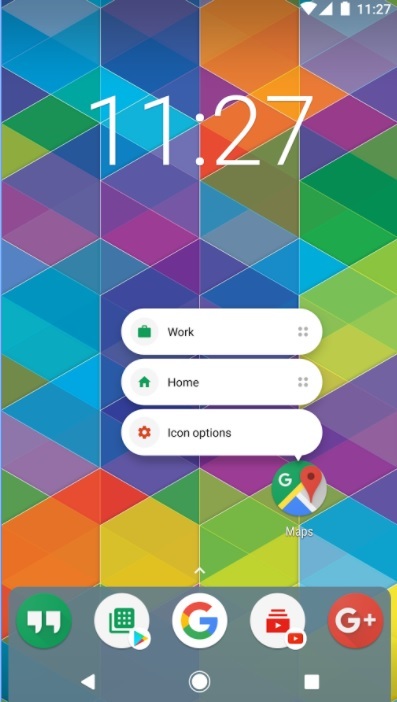
Nova Launcher is one of the best Android launchers
that has been on Play Store for many years. The launcher is smooth and
lightweight with tons of customizations. Numerous icon packs are
available in the Play Store to change its looks.
Nova Launcher supports customization of app-drawer, has a scrollable
dock, notification badges, folder and icon customization, and packs
around a dozen gestures for ease of use. It is free to download, but its
prime version unlocks a lot of other features including some locked
gestures.
Google Assistant is an
artificial personal assistant developed by Google that allows users to
navigate, communicate, and get a lot of things done. You can use the
Google assistant on your Android or iOS devices to trigger apps, ask any
questions, play games, make plans, etc. including these 30+ Super Useful Voice Commands. It is available for all kind of Android smartphones that run Android marshmallow, Nougat, or Oreo and even on smartwatches.
3. Keyboard App: Swiftkey
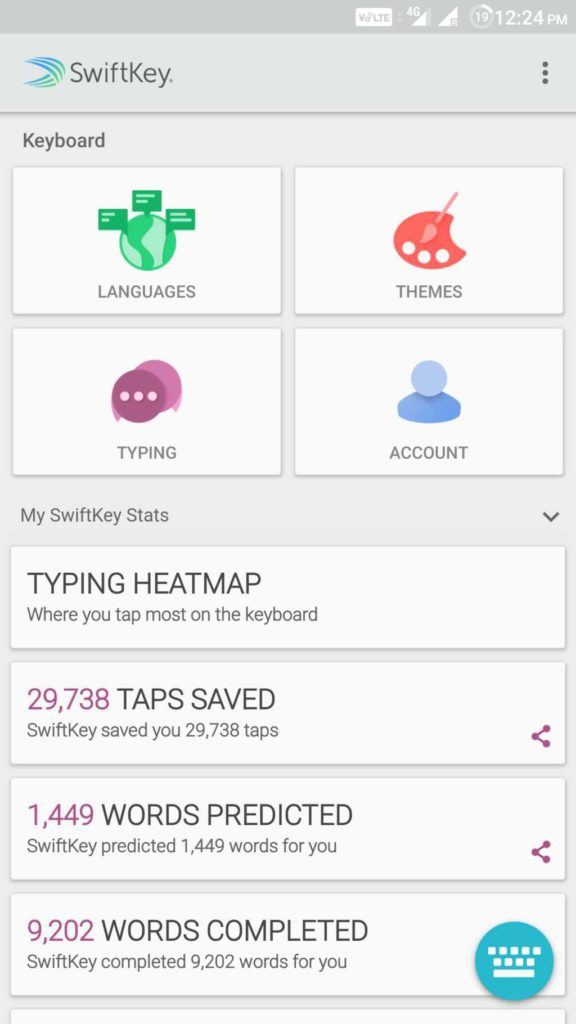
SwiftKey keyboard is trusted by over 250 million users worldwide. It
uses artificial intelligence that enables it to learn and can
satisfactorily predict what the user intends to type.
Swiftkey features autocorrect and gesture typing for faster input.
Moreover, there is an inbuilt GIF search engine, a wide range of themes
and is an excellent keyboard for bilingual folks. Swiftkey does not
store information from password fields and sensitive information such as
credit card numbers. Overall, Swiftkey will enhance your typing
experience and is a must-have app on your Android device. We have
featured it among the top Android keyboard apps.
4. Video Calling App: Google Duo
Google Duo is one of the best video calling apps for Android with
a simple interface. It’s quite easy to log in and verify your number,
and you can make fast video calls just like making a standard phone
call. Its unique “Knock Knock” feature lets you have a live preview of
the caller before you receive the call. It is available for both Android
and iOS users.
5. Note Taking App: Evernote
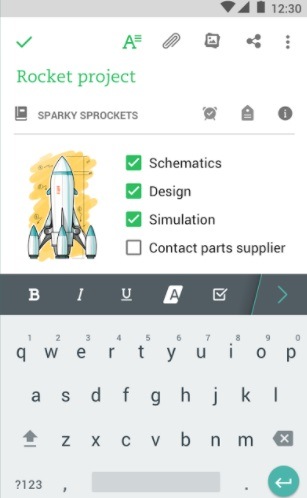
Evernote is a cross-platform utility to take notes in a variety of
formats, including text, photos, audio, video, sketches and more. It is
one tool you need to keep yourself organized in today’s hectic life. It
syncs across all your devices to facilitate workflow. Evernote also has
home-screen widgets for quick access to your notes. It is one of the
essential Android apps for every user.
WPS is a free Office Suite application with all-in-one features. It
is fully compatible with Microsoft Word, Excel, Powerpoint, and
integrates PDF, presentations, spreadsheets, memo, Google docs, etc. The
app also comes with a free PDF converter, reader, editor, along with
file sharing abilities, supports multi-window mode, data encryption,
etc. It is intuitive and easy to use, and you can also connect to the
Cloud Drive to automatically save your documents to the cloud platform.
Overall, it is one of the best Android office apps.
Google News & Weather is one of the best apps for Android that
helps you get news from your preferred topics along with accurate
weather information and prediction. If you provide access to location
services, it can show your local news and weather. The app uses AMP
(Accelerated Mobile Pages) to provide instant load and read experience.
It also comes with widget support.
8. File Manager App: ES File Explorer
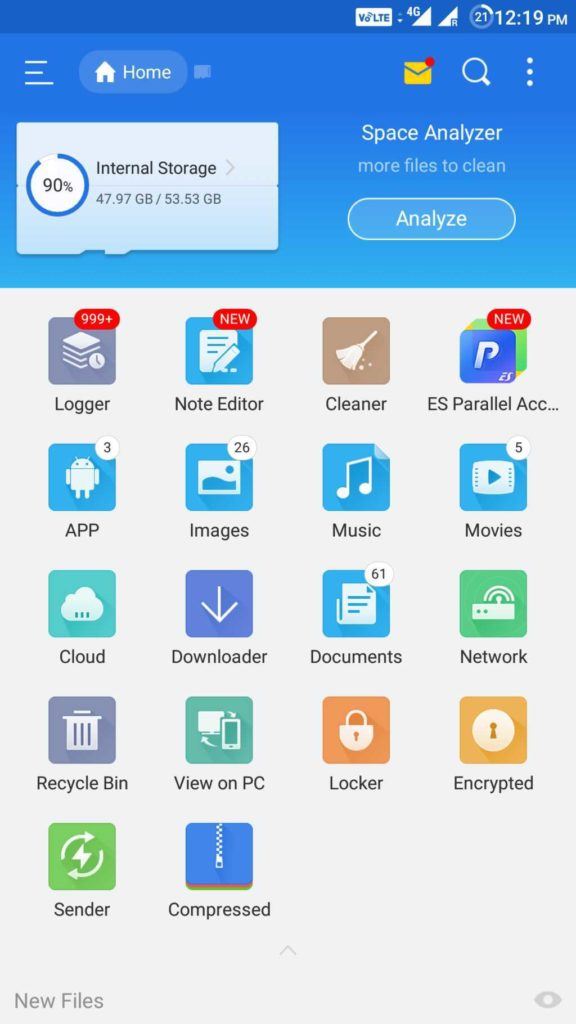
ES File Explorer is one of the popular Android file manager apps
with all the necessary features. It comes with a Space Analyzer to help
you free up space on your device. Sharing media with other ES File
Explorer users over WiFi is easy. ES File Manager also comes with an App
Manager where you can uninstall/backup apps. You can even uninstall
system apps with root privileges. It’s “Root Explorer” feature unlocks a
lot of functionalities for rooted devices.
Google Drive is a
massive cloud storage service that gives you free space to store and
access your files in the cloud platform. You can browse through all the
files and folders you saved in your Drive and share, move, download,
rename or print any files from the application.
It also encompasses
Google Docs, Sheets and Slides, where you can edit documents,
spreadsheets, forms, presentations, etc. and save them in the Drive.
Users can have access to 15 GB of free space across Google Drive, Gmail,
and Google Photos. This essential Android app helps you to keep your
valuable files backed up on the cloud for free.
10. Instant Messaging App: WhatsApp
WhatsApp is a free, instant messaging application where users can
communicate with one another using the phone’s internet service. It
provides you the ability to send text messages and voice messages, share
links, images, and location, make video calls, etc. to any other user
worldwide. It is one among secure Android messaging apps and is also accessible from a desktop environment.
Google Chrome is a cross-platform browser application. It has free
and necessary features like unlimited tabs, HTML5 support, desktop
syncing, quick links to favorite sites, built-in Google search and
Google translate, etc. The app is convenient, fast and provides secure
browsing experience with a lot of customizable options. Google Chrome is
one of the best Android browsers available.
12. File Sharing App: Xender
Xender is one of the essential Android apps you should have on your
device. It saves you from the hassle of carrying your USB data cable
around to exchange files with PC as no PC side software is required to
transmit or receive files. Moreover, it is a hundred times faster than
Bluetooth for transferring files between any device, thanks to it being
cross-platform.
13. Video Player App: MX Player
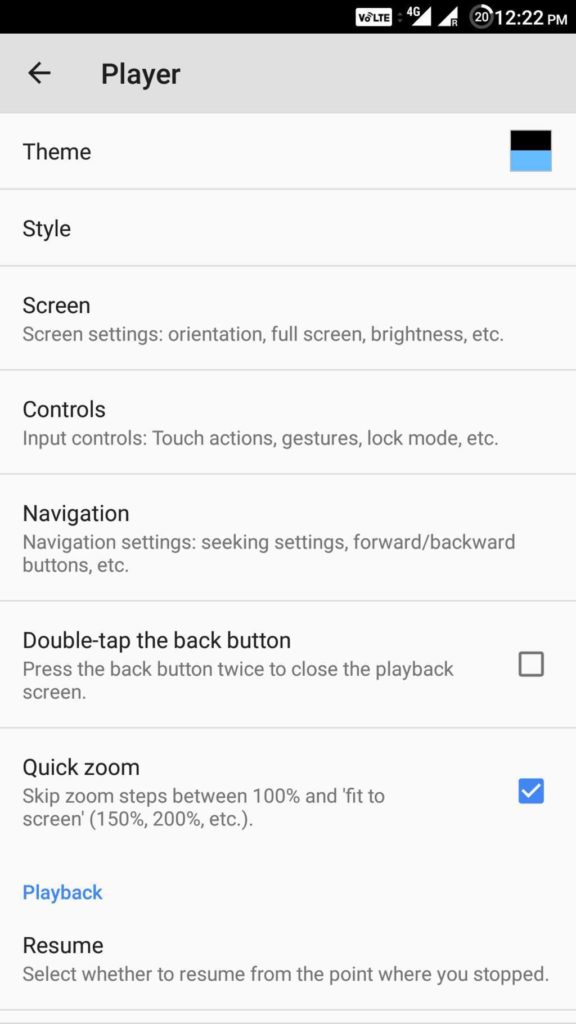
This video player for Android supports
almost all the primary video and audio file formats. It packs a lot of
features including editing of subtitle timeframes, fast forwarding and
volume control gestures, gestures for zooming in and out of a video,
on-screen kid lock and many more. MX Player is available for free with
ads. Moreover, it comes with additional plugins for extra
functionalities.
Google Maps is a web
mapping service for real-time GPS navigation, traffic, transit, and
details about millions of people. It offers street maps, satellite
imagery, real-time traffic info, short-cut route planning, etc. The app
covers accurate maps of more than 200 countries and territories. With
the help of the Google map services, you can navigate an unknown place
with ease. It is one of the essential Android apps.
15. Photo Editor App: PicsArt
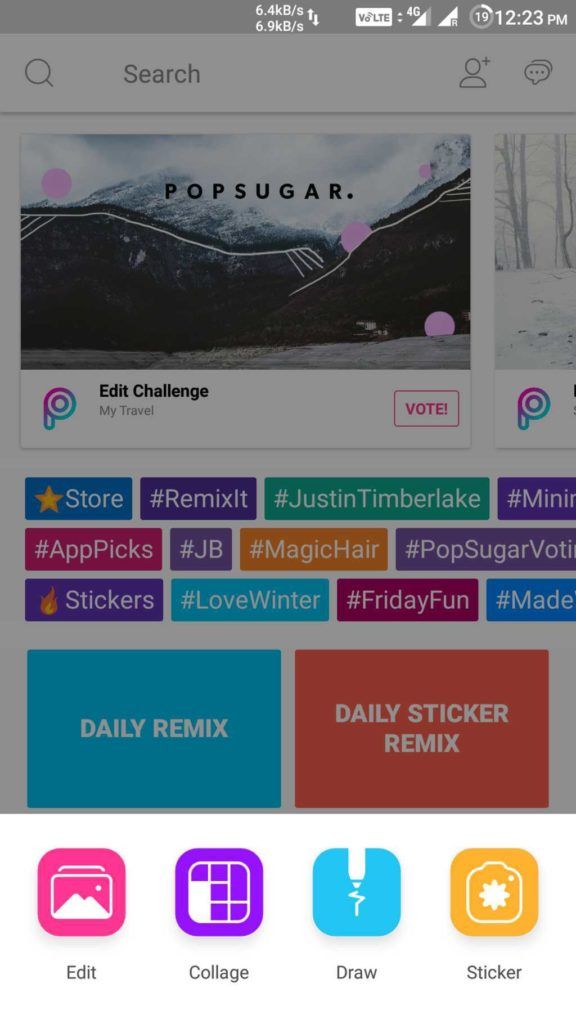
With over 100million downloads, PicsArt is one of the favorite photo editing apps for Android.
You will be overwhelmed by the number of options you have for
customizing your photos. It has a social network for sharing photos
within the app. Its features include collage, drawing on photos, frames,
stickers, free cropping, clone tool, tilt-shift, perspective changer
tool and a lot more. The app is available for free with some in-app
purchases and display ads.
Unified Remote is one of the go-to apps for controlling your PC from an Android device.
It uses Bluetooth or Wifi to remotely control your PC and comes
preloaded with support for more than 90 popular programs. It supports
Windows, Linux, and Mac, and requires a server program to be installed.
Using Unified Remote, you can remotely wake up your computer from
sleep using its “Wake on LAN” feature. All the necessary features like
screen mirroring, keyboard and mouse, media player controls, etc. are
available within this app. You can even use it to control a Raspberry Pi
or Arduino Yun. Its paid versions unlock a multitude of useful features
including custom remotes and functions for Android wear.
17. RSS Reader App: Feedly
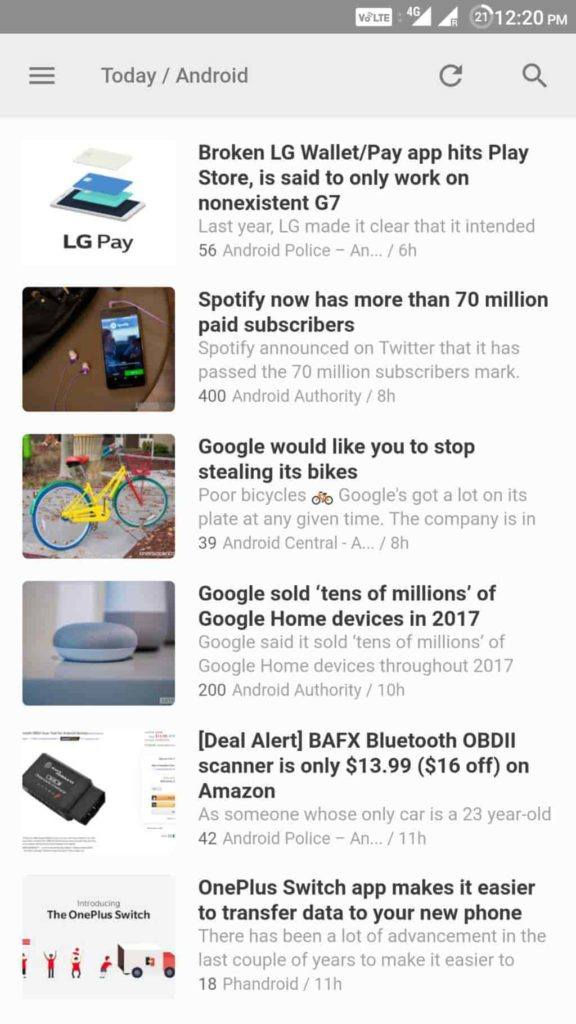
Feedly is one of the best Android apps. It neatly organizes all the
information and news for you in a single place. Online magazines, blogs,
Youtube channels and more than 40 million feeds are available within
this single app. Many professionals use it to stay ahead of the market
as it is helpful in analyzing competitors and trends.
Feedly is powered by RSS and offers integrations with Facebook,
Twitter, Evernote Pinterest, LinkedIn, etc. so that you to easily share
stories with networks and teammates.
18. Password Manager App: LastPass
LastPass is a feature-rich password manager
and secure private vault that can lock down your passwords and personal
information. It has the ability to autofill logins in browsers and apps
and can generate new and secure passwords instantly. You can log in
with one password instead of remembering a dozen. Moreover, you can also
sync your passwords and data across all of your devices. It is
intuitive and fast across numerous platforms.
19. Music Discovery App: Shazam
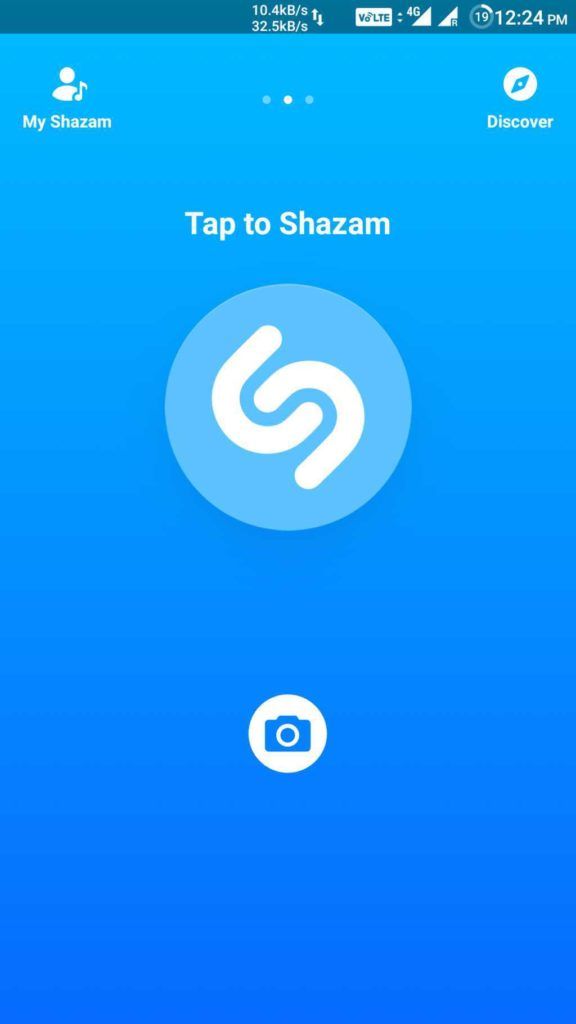
Shazam is a popular
music recognition application that can instantly identify music that’s
playing in your surrounding and is used by a lot of music lovers. All
you need is to hold your Android device close to the source of the song,
and after a few seconds, the app will accurately detect the song.
Besides, you can also play songs and add them to Spotify playlists, buy
songs in Google Play Music with one tap, connect your Facebook account,
etc. If you are a musicophile, this Android app is a must-have for you.
20. Task Automation App: Automate
Automate allows you to automate various tasks using simple
flowcharts. You can automate system Settings to perform tasks like
changing volume, Bluetooth, GPS, etc. It even allows you to trigger
tasks based on location, time of the day, battery level and many other
events. With this awesome app, you can automate almost anything on your
Android device. It even supports plug-in for the popular automation app
Tasker. It is definitely one of the best apps for Android.
21. Scanner App: Tiny Scanner
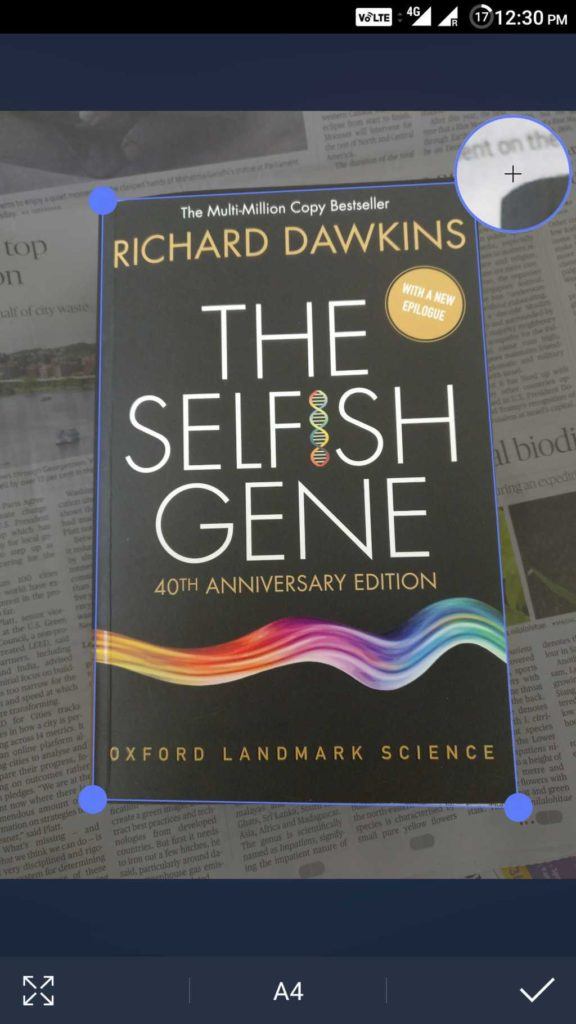
Tiny Scanner is a
scanner application that can scan every type of document and save them
as image files or as PDFs. You can name and organize the scanned files
and share them by email, store in DropBox, Google Drive, etc. It comes
with many scanner features such as color, grayscale and black&white
scans, page edge removal, adjusting page sizes, sorting scans by date
and time, etc. The app is optimized to run fast, and you can also
protect your documents with a passcode.
Did you find this list of free and best Android apps to be helpful? Share your reviews in the comments.